.avif)
- The Digital ACT and Paper ACT use the same core content and scoring.
- Digital testing offers on-screen navigation and test-taking tools.
- Eligible students can use their own supported device for the Digital ACT where BYOD is available.
- The Paper ACT remains available at participating test centers.
- Your best format depends on your reading, annotation, pacing, and device preferences.
The ACT, a standardized examination used in university admissions, has evolved to be taken digitally by students. Although the substance is the same, the delivery method and atmosphere differ greatly. The Digital ACT is the vision of a convenient exam experience with an embedded study tool, while the Paper ACT is the old-school method many students may find more familiar.
The primary difference is how students use the test. Digital ACT is conducted using a computer with features like a built-in timer, highlighter tools, and quick navigation.
On the other hand, students attending the Paper ACT will be asked to shade out the bubbles manually on a scantron sheet. As a result, different test-taking procedures affect the pace, ease of use, and adaptability. Are you wondering about what advantages the Digital ACT has in comparison to the Paper ACT? Keep reading to find out the distinctive features and the format that you will be more comfortable with!
What’s Changing: Paper ACT vs. Digital ACT
The enhanced ACT is available in both paper and digital formats. The core content and scoring remain consistent, but the testing experience differs in navigation, annotation, digital tools, and device requirements.
Key Changes
- Testing Mode: The Digital ACT is a computer-administered test, so there will be no need for the students to have a paper pad and pencil.
- Navigation and Tools: The digital version allows students to highlight questions for review, auto-tracking time, and use on-screen drawing tools.
- Security and Efficiency: The Digital ACT eliminates the possibility of lost answer sheets, improves test security, and even enables quicker score processing.
- Availability: However, the Paper ACT is still offered in a few places, and many of the centers are becoming digital.
These changes reflect a broader trend in standardized testing, aligning the ACT with other major exams that have embraced digital transformation.
Both formats now use the Enhanced ACT structure. Here's what the updated test looks like section by section.
Enhanced ACT Format: What Digital and Paper Tests Have in Common
The SAT has gone fully digital, while the ACT is available in both formats, the digital format and the traditional paper-based format.
Because the fundamental goals behind the ACT remain unchanged irrespective of the medium, there are certain things that the digital and paper-based ACT have in common. Here are the major areas that are common in both formats:
- Enhanced ACT: The first and the broadest similarity is the type of the test - both, Digital and the paper-based ACT, use the Enhanced ACT format.
- English section: This section has 50 questions and gives students 35 minutes. Both formats aim to test similar skills.
- Math section: Both formats allow students 50 minutes to attempt 45 Math questions. These questions mainly cover algebra, geometry, and functions and have four answer choices.
- Reading: The section evaluates the student’s ability to comprehend literary narratives and social sciences. In both formats, there are 36 questions to be attempted in 40 minutes.
- Science: Both formats have the Science section optional, so the student can decide whether or not to write the section. There are 40 questions on graphs, research summaries, and data summaries. The total time available is 40 minutes.
- Composite score: Unlike the Legacy ACT, the Enhanced ACT composite score is based only on English, Math, and Reading. Science scores are reported separately.
- Fees: The fees remain the same, regardless of the format in which the student takes the test. Students need to pay US$70 for the standard EMR composite (English, Math, and Reading). There is a fee of US$5 for the Science add-on, and US$25 for a Writing section add-on. Relevant fee waivers are applicable to both versions.
The Enhanced ACT guide covers the above, and more, in detail.
Bring Your Own Device: What's Allowed
The Digital ACT permits you to bring and use your own device to take the test, as long as the device and the system meet the standard requirements of the ACT.
Here are the technical requirements for the Enhanced ACT for Bring Your Own Device (BYOD)
Device readiness:
You should check the device readiness no later than 2 days before the test - to be on the safer side, stay at least a week ahead. When you run the readiness tests, ACT Gateway (the secure testing application for the ACT test) will run the below checks:
- Secure connection
- Screen size
- Battery level
- ACT Gateway version
- OS version
- Kiosk mode
- Ability to connect to ACT domains and services
- External mass storage devices
You should separately make sure the device can access the following domains:
Currently, the ACT does not support the following:
- iPads,
- Tablets,
- personal Chromebooks, and
- Chrome OS Flex
- Windows S mode
- Windows 10 won’t be supported beyond September 2026
BYOD applies to the Digital ACT, not the Paper ACT.
Common Misconception: "Digital" Doesn't Mean Testing at Home
If you were to list out the most common misconceptions regarding the Enhanced digital ACT, this one would certainly figure somewhere close to the top.
Strangely, because of the digital nature of the ACT, and because the ACT allows you to bring your own device, there is a widespread misconception that digital means you can take the test at home, or anywhere else.
Nothing could be farther from the truth.
The ACT online testing document clearly says this about: “The online ACT is not available as a “remote” exam and must be taken on a test center-managed device at your chosen test center.”
That means you cannot test unsupervised or just about anywhere. Even though it’s digital, you may take the ACT only at the ACT-authorized test center, and that too under rigorous test conditions.
The test center will follow similar procedures, such as verifying the identity of the students. There will be strict and clear protocols to follow, and cheating or malpractices is still being punished. Authorized personnel and system will continue to supervise students and proctoring will continue as before.
In this context, the only difference is that instead of reading the questions on a paper and marking their responses on another paper, everything will be done on a digital device.
How Does the Digital Shift Impact You?
With the introduction of the Digital ACT, students now have the option to choose between paper and computer-based testing. While the content and scoring remain the same, the experience differs in navigation, answer selection, and writing format.
Understanding these changes can help you decide which test format suits you best!
The shift to digital testing presents both opportunities and challenges. While some students may adapt quickly to the new format, others may need time to adjust to on-screen test-taking.
For students accustomed to traditional paper exams, transitioning to a digital interface may feel unfamiliar at first. However, the built-in features—such as a built-in timer and answer elimination tool—can enhance efficiency. Practicing with digital mock tests and familiarizing oneself with the platform can help students gain confidence before test day.
Test-takers must also consider logistics. While the Digital ACT is designed to be user-friendly, students should ensure they are comfortable reading, solving problems, and navigating between sections on a screen. Early preparation and practice are essential for a smooth experience.
Advantages of Digital ACT
The Digital ACT introduces several benefits that can improve the testing experience:
- Bring Your Own Device: Use an eligible personal or school-managed computer where BYOD is available.
- Built-in calculator: Access the online calculator during Math.
- Digital accessibility tools: Use available digital tools designed to support the testing experience.
- Highlighting tool: You may highlight any text on the screen using the digital tool if you think it is significant or will help you understand the context or answer the question better.
- Answer elimination tool: The digital ACT allows you to eliminate choices you think are incorrect. Click on the X next to the choice to remind yourself that this is the choice you want to ignore.
- Navigation tools: The ACT Gateway test application has a number of navigation tools that let you move from one question to another. In addition to the PREV and NEXT buttons, you have:
- Answer progress counter that tells how many questions you have attempted so far
- Flag button that lets you flag a question that you can return to later
- Timer: The on-screen timer shows you the time left; you may switch it off anytime, but it will always stay on during the last 5 minutes
- Line reader tool: This tool lets you mask the rest of the text and only display a particular section or line of the text that you want to concentrate on.
- Magnifier tool: You may use it to magnify any text, graph, or an image. It’s essentially a box that magnifies whenever you place it.
Challenges of Digital ACT
While the Digital ACT has advantages, it also presents some challenges:
- Screen-based testing: Students who prefer reading on paper may need time to adjust.
- Device requirements: BYOD students must use a supported device and complete the required preparation.
- Limited availability: Digital testing is not offered at every test center.
- Different annotation experience: Digital highlighting and navigation work differently from writing directly in a paper booklet. You can use the annotation tool to not only highlight but strike out text. What’s more, you get a digital notepad for note-taking, in case you’d like to doodle and map out your ideas. The downside is, of course, that it takes up space on your screen which means you can see less of other things as long as the notepad is there. Also, the tactile experience is different when compared to a digital notepad. And there’s some evidence, though not conclusive, that annotation doesn’t improve comprehension in the case of digital text.
Preparing for the Digital ACT: What Tutors and Students Should Know
Practice in the environment you expect to use on test day. Complete timed digital ACT practice tests, get comfortable reading passages on screen, and practice using navigation, highlighting, calculator, and review tools.
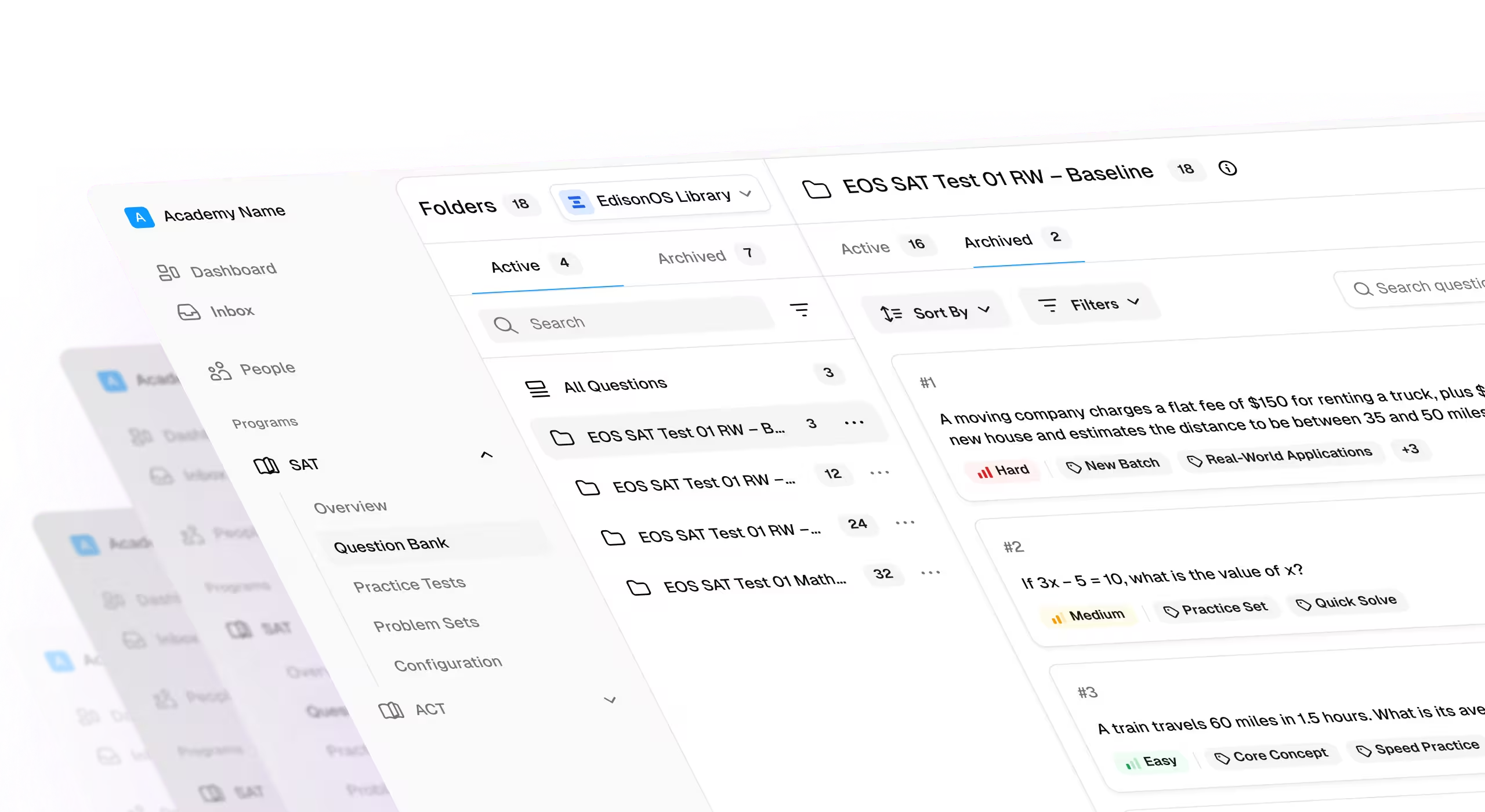
With EdisonOS, students can practice in a digital ACT environment with timed sections, ACT-specific testing tools, and detailed performance analytics.
Familiarizing with the Digital Format
Students should practice taking online ACT-style tests to become comfortable with the digital layout, navigation, and tools. ACT Inc. offers official practice tests that simulate the real testing experience, helping students gain confidence before test day.
Adapting Study Habits for Digital Testing
To prepare effectively, students should incorporate digital study methods, such as:
- Reading passages and solving math problems on a screen to simulate test conditions.
- Using a digital timer to practice time management.
- Engaging in online ACT prep resources to develop familiarity with digital question formats.
Technical Preparation
Students should ensure they are comfortable using a computer for testing. Practicing on different screen sizes, understanding how to navigate the digital interface, and learning to use on-screen tools effectively can make a big difference in test performance.
Paper ACT: Is It Still a Viable Option?
Yes. The Paper ACT remains a viable option at participating test centers. It may be a better fit for students who prefer reading on paper, physically annotating passages, or navigating printed pages.
Your choice should depend on your preferred testing experience and the availability of each format at your test center.
Addressing Common Concerns About the Digital ACT
Will My Scores Be The Same On Both Formats?
ACT aims to score both the paper and online formats of the test in the same way to ensure fairness. The raw score, which is the number of questions answered correctly, is converted to a scaled score between 1 and 36 for each subject area. The composite score is the average of the four subject area scores, rounded to the nearest whole number. Check the ACT scoring chart and calculator to understand more.
Will My Scores Be The Same On Both Formats?
Yes, ACT Inc. has explicitly stated that the Digital ACT and the Paper ACT will be scored using the same methodology, ensuring fairness across both formats.
The scoring process remains standardized, meaning that a student’s performance on either version will be evaluated using the same rubric, ensuring that no format has an inherent advantage over the other.
- The test content, structure, question types, and difficulty level remain identical across both formats.
- The only difference is the mode of delivery—Digital ACT is taken on a computer, while the Paper ACT is handwritten.
- The ACT's scoring algorithm ensures fairness, meaning a score of 30 on the Digital ACT is equivalent to a 30 on the Paper ACT.
- ACT Inc. has conducted research and testing to maintain score consistency between both formats.
- Rigorous equating procedures are in place to account for any minor variations, ensuring no student is disadvantaged.
- Colleges and universities accept scores from both formats equally, with no preference for one over the other.
What If I’m Not Comfortable With Technology?
If you're not comfortable with the digital format, find out how technology-savvy you are. If you feel too anxious about the digital format, taking only the paper test could be the better choice. Taking the sample exams online will help you become accustomed to the ins and outs of the digital format, thus, making you anxiety-free during the test.
Are Digital and Paper ACT scores comparable?
Yes, they are. Firstly, both are scored the same way and use the same range (1 through 36). And secondly, colleges do not differentiate applications on the basis of whether a student took the ACT digitally or through the traditional medium. Because the goal of testing and the skills tested are identical, there’s no official difference between Digital and Paper ACT scores.
Is the Digital ACT harder?
No, the Digital ACT is neither harder nor easier than the paper ACT. Colleges as well as the ACT Inc. treat the Digital ACT the same way they treat Paper ACT, which clearly shows the two have no meaningful difference. This belief may have partly risen from students who didn’t practice on the digital test interface before the actual test day and got a little overwhelmed.
What happens if I am more comfortable with paper?
If you are more comfortable with the paper-based format, feel free to opt for the paper ACT. However, remember that the SAT is digital only, so in case you’re thinking of the SAT, you’ll need to practice the digital format anyway.
Can I switch between formats?
To switch the format after your initial registration, you can log into your account, pay appropriate fees, and switch before the deadline. Not all centres or dates offer the digital option, so check accordingly. You cannot switch on the test day or write one section through the paper-format and the other in the digital format.
How Can You Choose Between The Digital And Paper Act?
Ideally, you should take one practice test in each format. See where you are more comfortable. Remember to think in the context of preparation too - will reading paper-based prep material be more comfortable or less?
Why is EdisonOS Your Best Bet for Digital ACT Preparation?
Comprehensive Digital ACT Preparation Features
EdisonOS provides students with a structured and efficient way to prepare for the Digital ACT through a variety of tools and resources. Here’s how it stands out:
- Interactive Practice Tests: EdisonOS offers a vast collection of Digital ACT practice tests that closely mimic the real exam.
- Real-Time Analytics and Performance Tracking: Students receive instant feedback on their performance, allowing them to identify strengths and weaknesses. This data-driven approach enables targeted practice, ensuring continuous improvement.
- Expert-Led Tutorials and Study Resources: EdisonOS provides access to high-quality tutorials from experienced educators who specialize in ACT preparation.
- Built-In Digital Test-Taking Tools: Since the Digital ACT includes features such as an on-screen highlighter, answer eliminator, and navigation tools, EdisonOS replicates these elements in its practice environment.
- Adaptive Learning Experience: EdisonOS uses AI-driven adaptive learning techniques to customize study plans based on individual performance, ensuring efficient and personalized preparation.



Frequently Asked Questions
.svg)